
You can access our Basic Webmail client (Atmail) by going to:
http://webmail.<YourDomainName>.co.uk
Therefore if your Garage Services website is http://www.testgarage.co.uk, for webmail you will want to browse to http://webmail.testgarage.co.uk
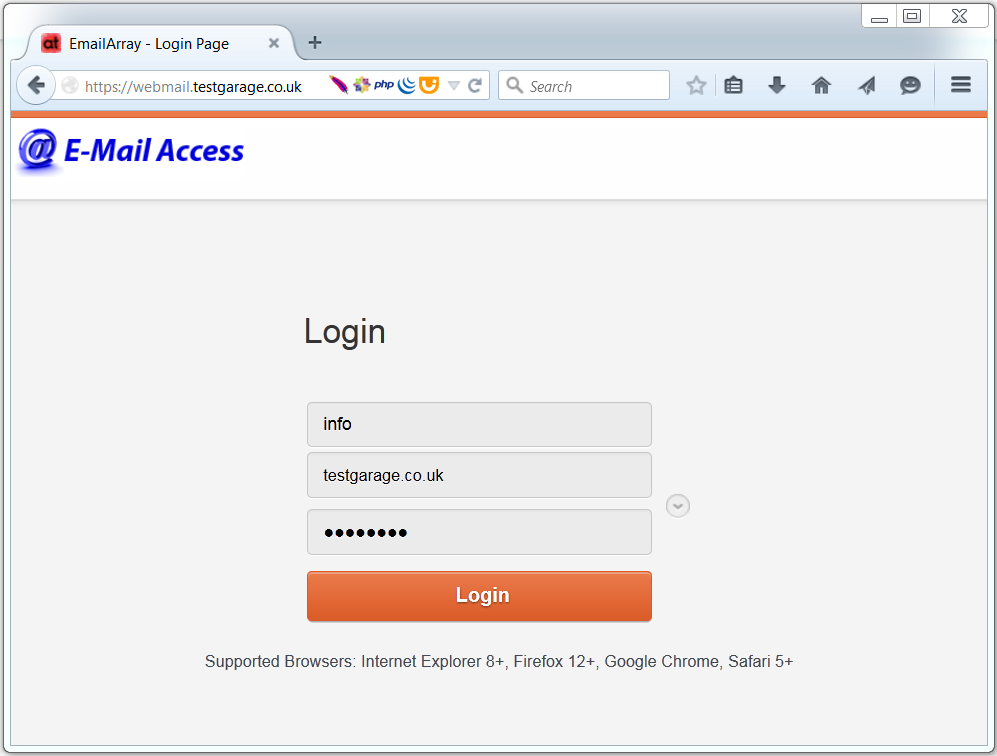
Once you have this screen in your browser, you can login using the username and password we have provided to you.
You will see three text boxes above the 'Login' button.
- You need to add first part of your email address to the first field (e.g. info if your email address is info@testgarage.co.uk)
- Second field will usually already contain your domain name. If it doesn't - please type in second part of your email address (e.g. testgarage.co.uk if your email address is info@testgarage.co.uk)
- In third field you will need to enter your mailbox password. Please make sure letter case is correct as well as punctuation. Password needs to be exactly the same as the one we have provided to you.
- Click 'Login' and if credentials are correct you will be presented with screen similar to below.
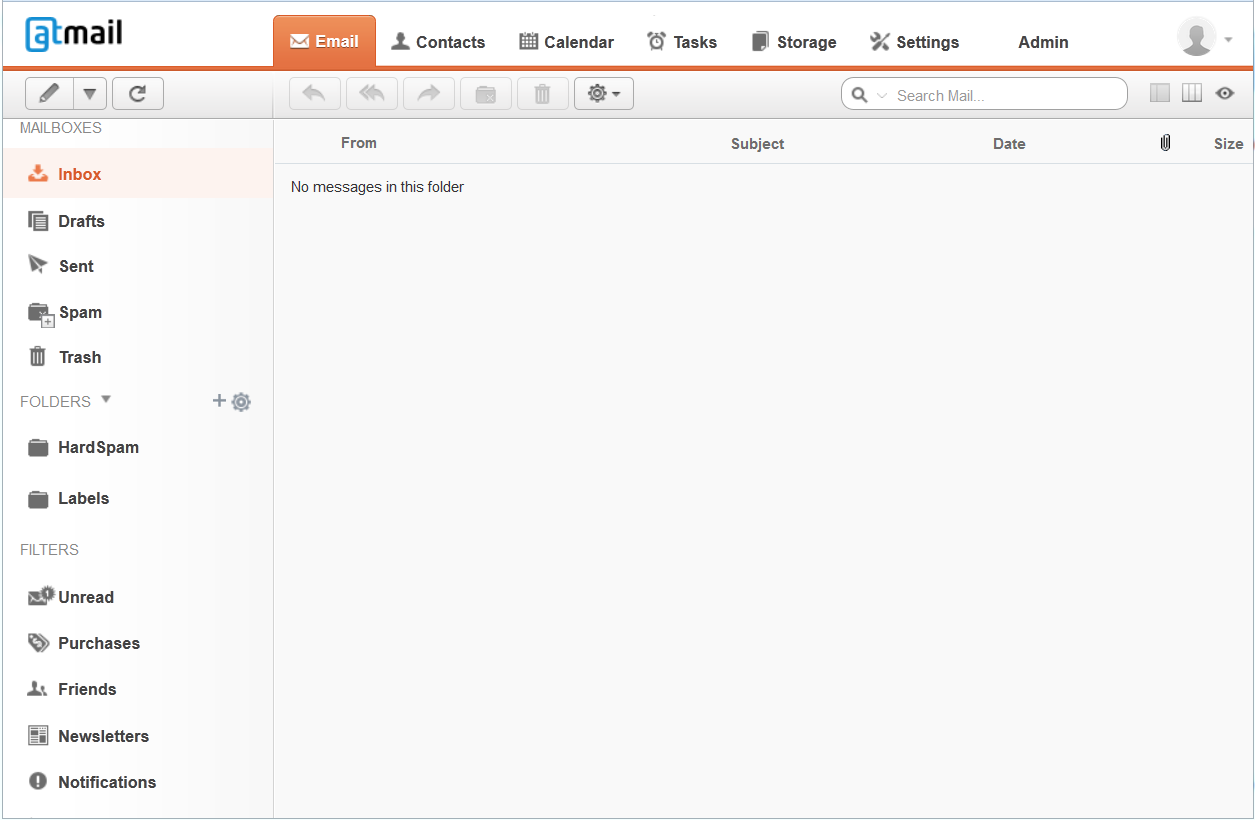
You can use your webmail in the same fashion as you would be using your mail client (Outlook, Windows Live Mail, Thunderbird).
Added benefit is that webmail can be accessed from any computer or mobile device!